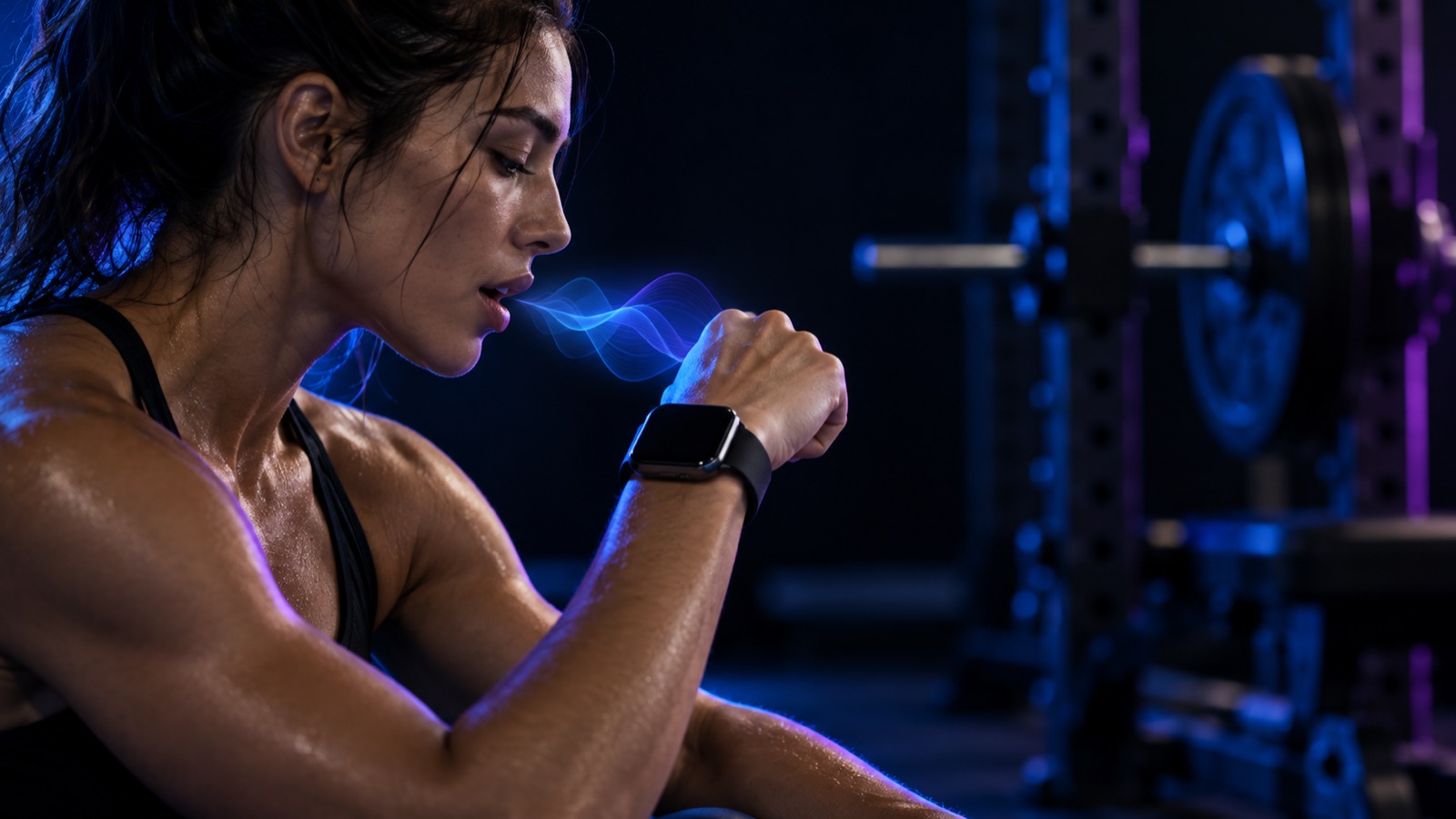
Typing sets into a phone between heavy lifts is the most tedious part of tracking a workout. Voice logging fixes that: you say “bench 100 for 5” and it’s recorded. As of October 2026, none of the big trackers — Strong, Hevy, Fitbod — advertise it, but a growing group of apps do. We compared every voice workout logger we could find on what it understands, where your voice goes, whether it works on Apple Watch, and what it costs.
Full disclosure: we make TalktoFit, and it’s on this list. We’ve tried to be fair. Most voice loggers are new, with few or no App Store ratings yet — TalktoFit included. Prices are US App Store prices checked on October 21, 2026.
The short version: for voice logging on both iPhone and Apple Watch, in nine languages, with speech processed on your device and an AI coach built in, TalktoFit is our pick. For a simple, privacy-friendly voice logger on iPhone, Repvoice or EchoLift.
Quick picks
| App | Voice on Apple Watch | Speech processing | Languages | Price (US) |
|---|---|---|---|---|
| TalktoFit | Yes (iPhone nearby) | On device | 9 | $89.99/yr |
| Repvoice | No (tap on watch) | On device | Not stated | 10 free logs · $49.99/yr |
| Hey Trainer | Yes (iPhone app running) | Cloud | English | $59.99/yr |
| Copper | Yes | Not stated | English | $39.99/yr |
| EchoLift | No watch app | On device | Not stated | Free voice · $34.99 once |
| Vora | Listed | Not stated | 12 app languages | Free · Pro $89.99/yr |
What makes a good voice logger
- It understands how you actually talk: “same again”, “80 for 8”, several exercises in one sentence, kilos or pounds.
- It shows what it heard: a misheard 18 instead of 80 ruins your progression, so you need a quick check and an easy fix — ideally by voice too.
- Privacy: some apps transcribe speech on your phone; others send audio to the cloud. Both can work well, but you should know which.
- Apple Watch: voice matters most when your phone is in your bag. Several apps have watch apps but only let you tap there.
- Language: many voice loggers are English-only, and several don’t say.
- Everything else: a voice logger still needs exercise demos, history, progression and reports.
TalktoFit: best voice logger for iPhone and Apple Watch
- Voice
- Natural sentences; log, fix and remove sets by voice; several changes in one sentence
- Apple Watch
- Tap the mic and talk (iPhone nearby); double-tap finger gesture to complete a set
- Privacy
- Speech is transcribed on the iPhone; recordings are never uploaded, only the text of a command
- Price
- Free download; TalktoFit Pro $9.99/month or $89.99/year (new subscribers may get a free trial)
TalktoFit was built for voice from the start. Say “Just did deadlift, 3 sets of 5 at 140” and the exercise, sets, reps and weight are added. Corrections work the same way, and one sentence can change several things at once: “My last deadlift set was actually 4 reps, remove the lat pulldown, and add face pulls, 3 sets of 12 at 20 kilos.”
Speech is transcribed on your iPhone by a Whisper model running on Apple’s Core AI, so your recordings never leave the device — only the text of the command is sent to log your workout. It works in nine languages: English, Turkish, German, Spanish, French, Italian, Portuguese, Japanese and Korean.
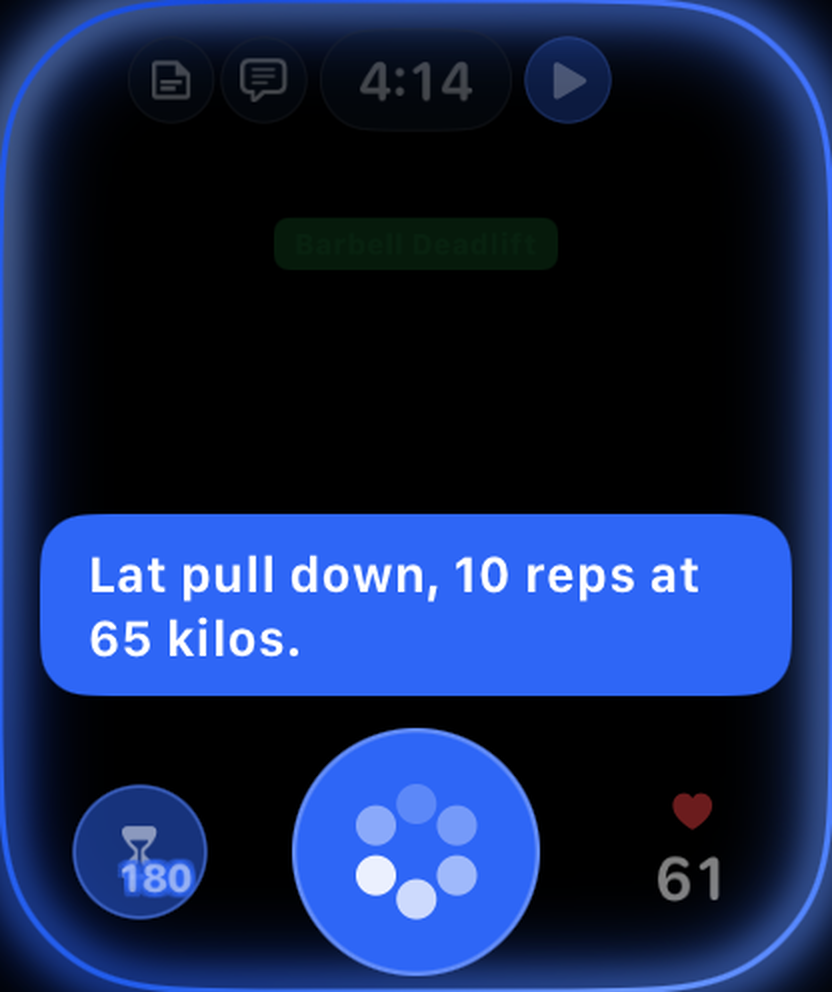
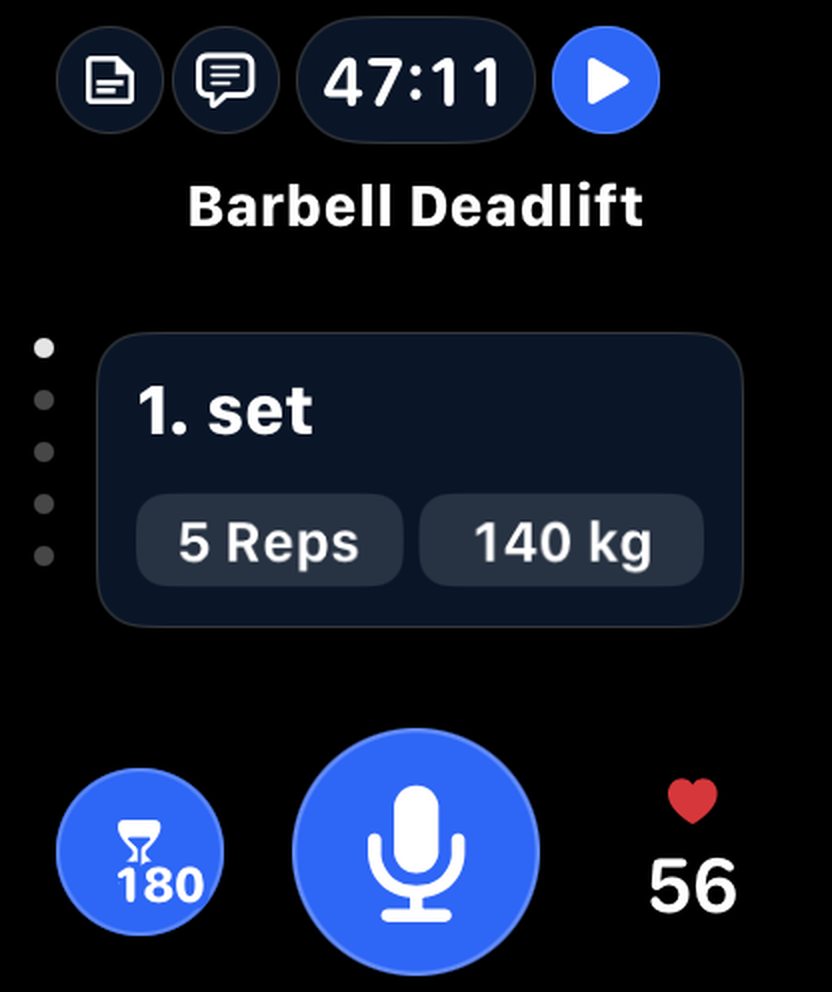
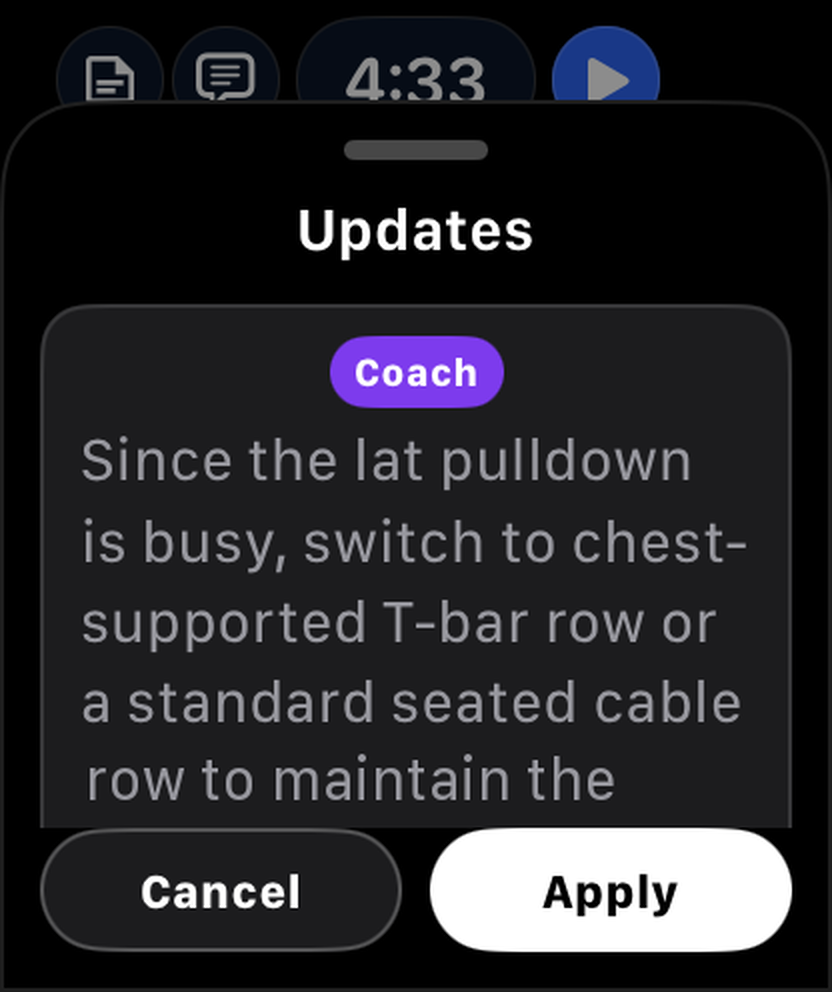
On Apple Watch you tap the mic and say the set; on recent watches a double-tap finger gesture (index finger and thumb tapped together twice) completes the set and starts your rest timer. Beyond voice, TalktoFit is a full training app: an AI coach that plans with you and suggests exercises mid-workout, automatic weight and rep targets from your past sets, 400+ exercises with 3D demos, and reports for trends, muscle balance and recovery.
Download TalktoFit on the App Store or see voice logging in action.
Downsides: new, with few ratings yet. Voice logging needs a Pro subscription, the watch app needs your iPhone nearby, it requires iOS 27, and first-time setup downloads an on-device speech model of a few hundred megabytes. It’s iPhone and Apple Watch only.
Repvoice: best simple voice logger
- Voice
- Hold anywhere and speak (“three by eight at eighty”, “same again”); reads back what it heard and asks if a number is unclear; Siri shortcut
- Apple Watch
- Watch app, but logging there is by tap and Digital Crown
- Privacy
- On-device speech recognition; the mic is on only while you hold
- Price
- 10 free voice logs; Pro $9.99/month or $49.99/year
Repvoice does one thing and does it carefully: it repeats what it understood, logs the set and starts your rest timer, and asks when a number is ambiguous. It’s also on Android.
Downsides: new (first released October 2026), no voice on the watch, and no coaching.
Hey Trainer: best for a wake word
- Voice
- Wake word (“Hey Trainer…”), natural language, voice enrollment so only you can trigger it
- Apple Watch
- Log a set by tapping and speaking; the iPhone app must be running
- Privacy
- Audio is processed in the cloud and deleted from processing logs within 14 days; account required
- Price
- 7-day trial, then $9.99/month or $59.99/year
On the iPhone, Hey Trainer is the most hands-free option: you don’t even tap, you just say the wake word. It also builds AI routines and gives post-workout feedback.
Downsides: English only, cloud processing, and almost no ratings yet.
Copper: best for switching from Strong or Hevy
- Voice
- Speak naturally, several exercises per recording; picks up weight, reps, sets, duration, distance and RPE
- Apple Watch
- Record from your wrist between sets, with heart rate per set
- Price
- 14-day trial, then $12.99/month or $39.99/year
Copper records from the watch and imports your history from Strong and Hevy as CSV, which makes it easy to try without losing your data.
Downsides: English only, processing isn’t described, and the last update was in June 2026.
EchoLift: cheapest on-device option
- Voice
- “Bench press 225 for 8”, using Apple’s on-device speech recognition
- Apple Watch
- No watch app
- Price
- Voice logging free; Premium $2.99/month, $19.99/year or $34.99 once
EchoLift needs no account, keeps your voice on the phone, and doesn’t charge for voice logging — a good way to see if logging by voice suits you.
Downsides: iPhone only, and a much smaller feature set.
Vora: best if you want an all-round health coach
- Voice
- Voice food logging and hands-free coach chat during training; lists voice logging on Apple Watch
- Price
- Free; Pro $12.99/month or $89.99/year for unlimited voice coaching
Vora is a broad longevity and health coach rather than a strength logger, and the most rated app in this group (4.7 from 120 ratings). Pick it if nutrition and general health matter as much as your lifts.
Downsides: less focused on set-by-set strength training.
Others we found
- SmartGym is a big, well-rated tracker with partial voice: Siri can log the next planned set, and you can create workouts from text. It isn’t a set-by-set voice logger.
- LoadCurve detects the language of each clip automatically; 10 free voice captures a week.
- SLAB logs “225 for 5, felt heavy”, but has no watch app and hasn’t been updated since March 2026.
- JackedASF logs a whole session from a recap you record before or after training, not set by set.
Can I use Siri or dictation with Strong or Hevy?
Not really. You can dictate into any text field with the iOS keyboard, but that’s slow for numbers. Hevy has a ChatGPT integration for building routines and analyzing history, but it isn’t documented as logging sets, and its API (Pro only) can post whole workouts — a do-it-yourself project, not real-time logging. Apple’s Workout Buddy talks to you during workouts, but it doesn’t log anything.
FAQ
Is voice logging accurate in a loud gym?
Usually, if the phone or watch is close to your mouth, but mistakes happen. What matters is seeing what was heard and fixing it quickly — in TalktoFit you can correct a set just by saying so.
Which voice workout apps work on Apple Watch?
TalktoFit (with your iPhone nearby), Copper and Hey Trainer (with the iPhone app running) let you log by voice from the watch. Repvoice has a watch app but logging there is by tap.
Is my voice recorded?
It depends on the app. TalktoFit, Repvoice and EchoLift transcribe speech on your device. Hey Trainer processes audio in the cloud. Check each app’s privacy details before you start.
Can I log workouts by voice in languages other than English?
Yes. TalktoFit supports nine: English, Turkish, German, Spanish, French, Italian, Portuguese, Japanese and Korean. LoadCurve detects the language of each clip automatically. Several others, such as Hey Trainer and Copper, are English-only, and many don’t say.