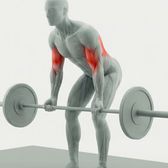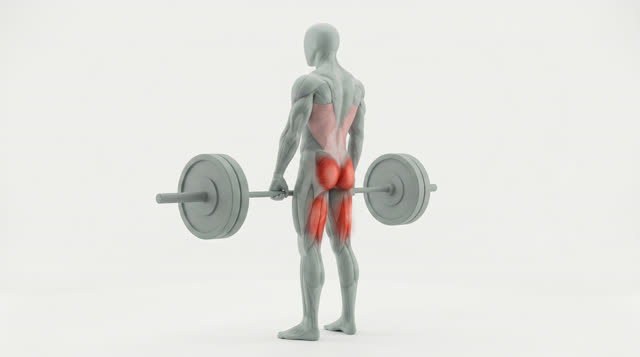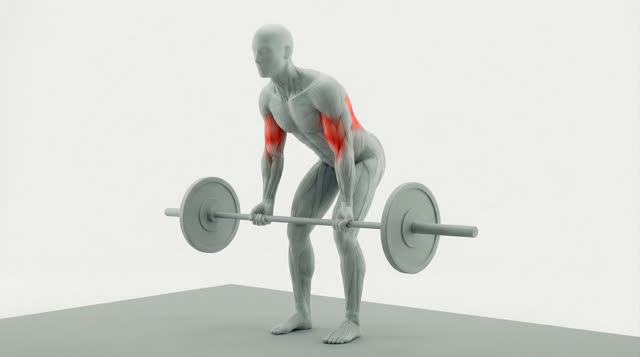
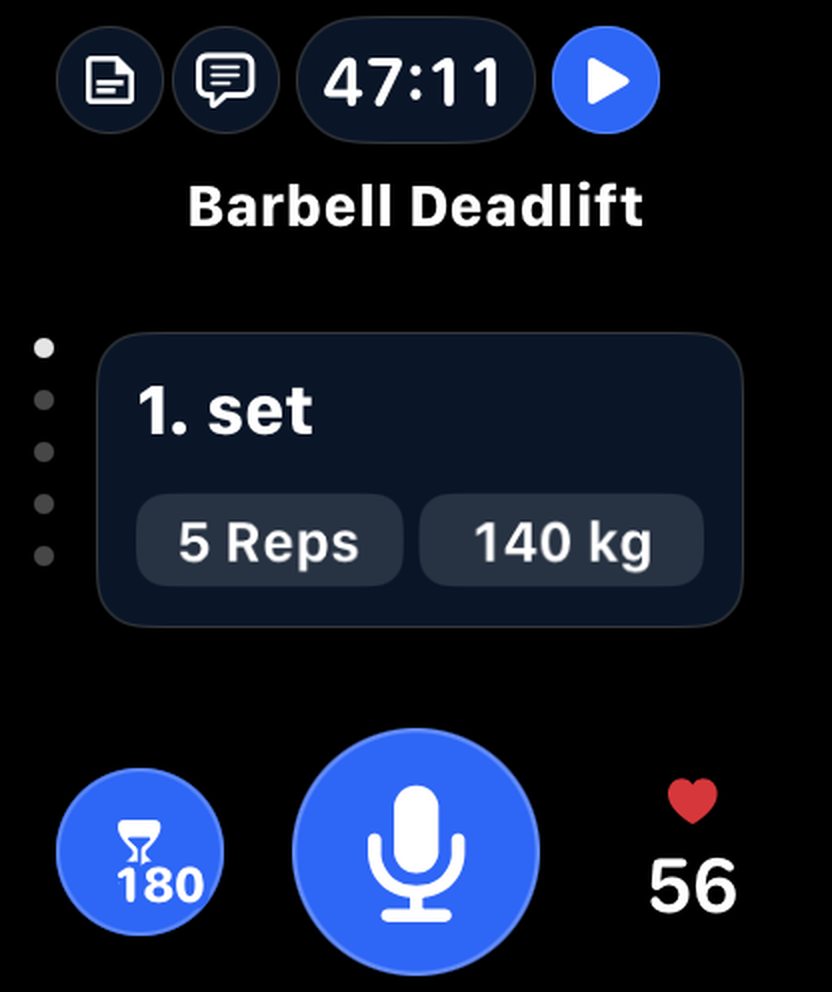
Barbell Deadlift
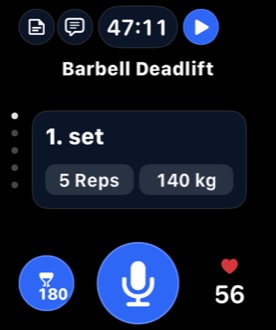
1. setDone
5Reps140kg
2. setDone
5Reps140kg
3. setDone
5Reps140kg

Log your workout by talking. Fix it by talking. Ask your coach between sets — and keep your hands on the bar.

 Leo, out loud
Logging used to mean staring at a screen between sets. Cluttered menus. Tiny fields. Sweaty fingers. Setting up every exercise, every set, before you even start the first one. Your mind gave out before your body did. Now all you have to do is say it.
Say it the way you’d tell a training partner. Exercise, sets, reps and weight land in your session — say “just did” and they’re marked done.
Got one rep fewer? Machine taken? One sentence can make several changes at once — no tapping through sets.
Add an exercise and your coach fills in today’s weight and reps from your past sets: more weight once you’ve earned it, otherwise one more rep.
Ask for ideas mid-workout. Your coach sees the session you’re in and suggests exercises you can apply with one tap.
Mention how a set felt and it’s saved to that set. When you plan leg day, your coach already knows.
You said
“Just did deadlift, 3 sets of 5 at 140.”
You said
“Just did lat pulldown, 3 sets of 10 at 65.”
You said
“Actually my last deadlift set was only 4 reps, drop the lat pulldown and add 3 sets of 12 face pulls at 20 kg.”
One sentence, three changes
You asked
“Suggest a few more back exercises to finish strong.”
2 suggestionsBarbell DeadliftSaved
On my last deadlift set my left calf felt tight
Leo already knows Planning your leg day
“Prioritize active recovery for your left calf before leg day and monitor it closely.”
progressive overload
You add the exercise. Leo fills in the weight and reps.
Private by design
Speech is transcribed on-device by a Whisper model running on Apple’s Core AI. Only the text of your command is sent to our servers to log your set — your recordings are never uploaded.
Exercise library
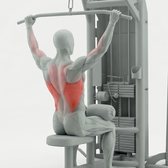
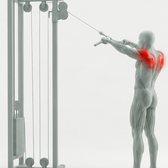
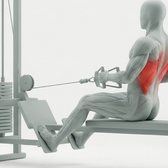
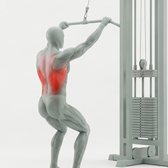
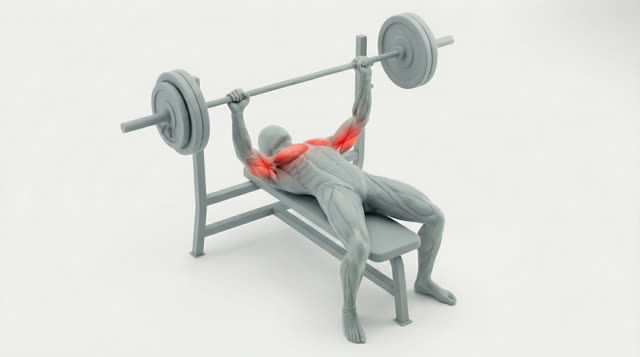
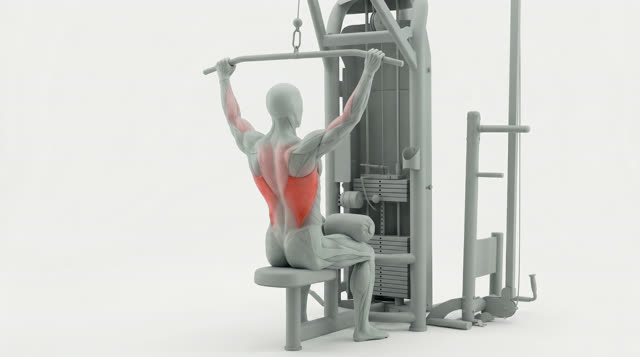
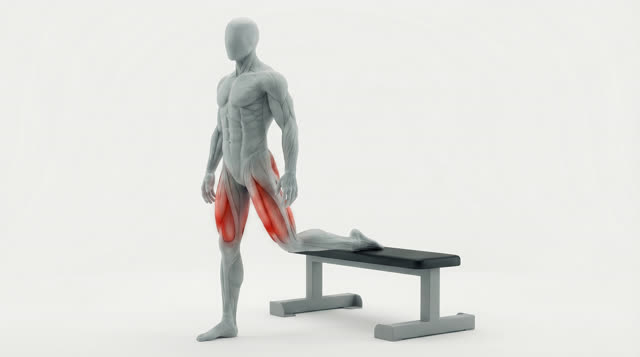
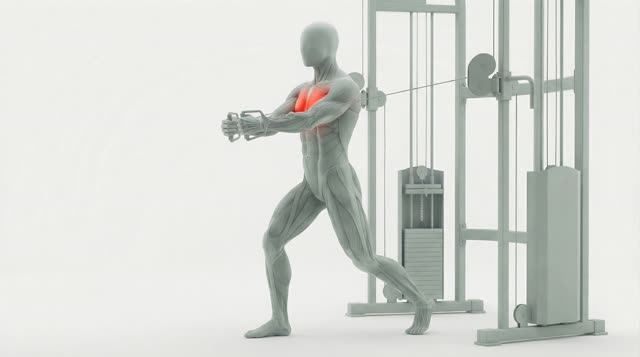
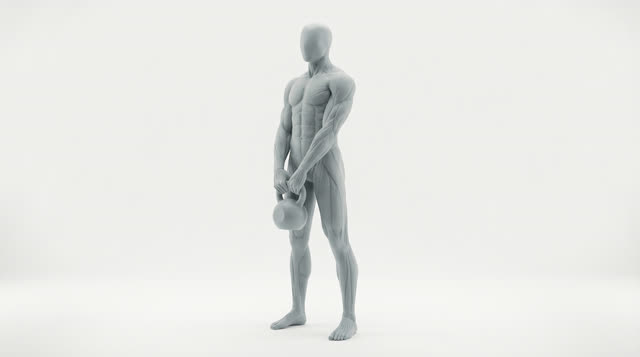
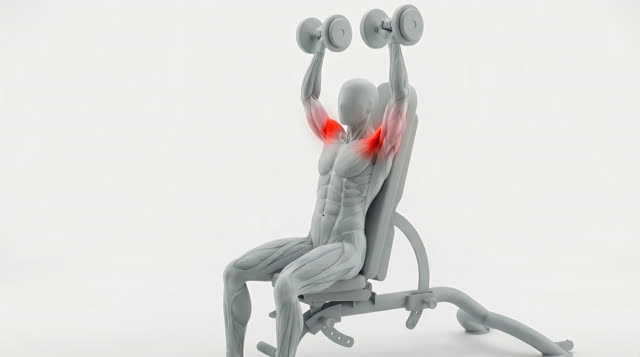
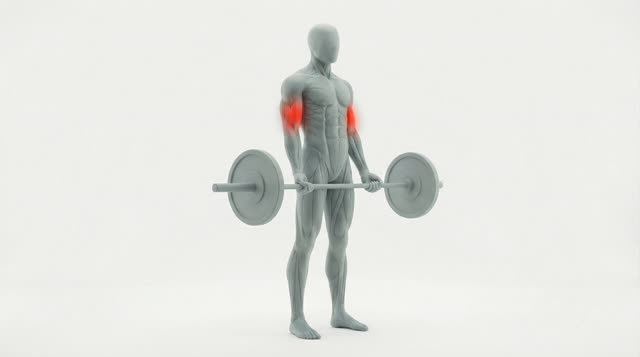
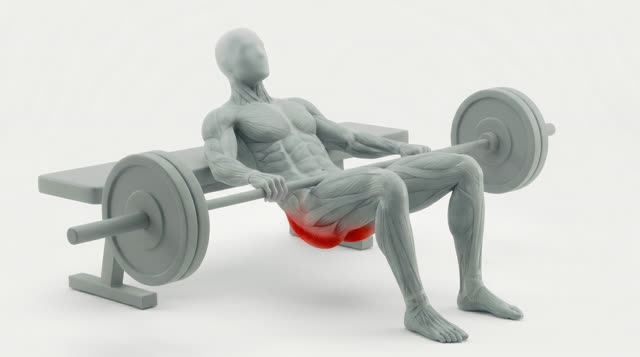
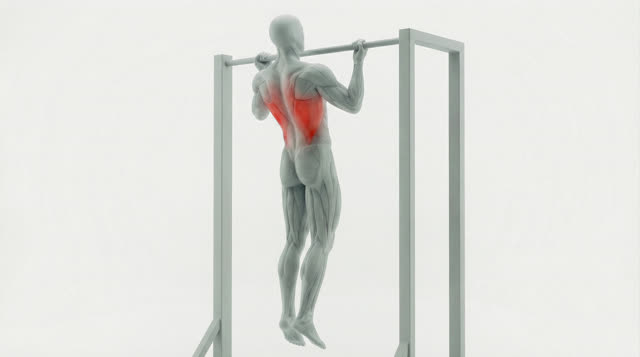
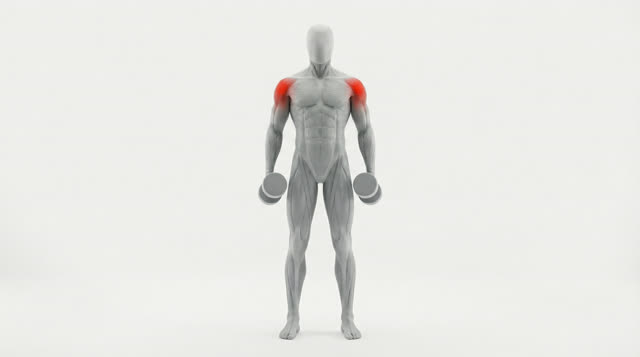
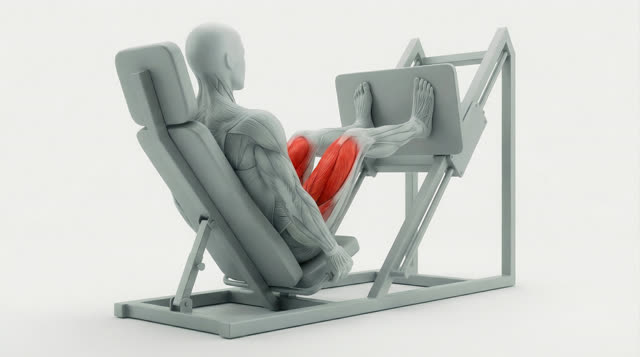
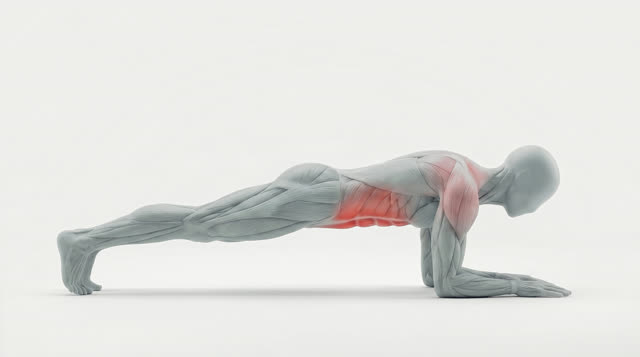
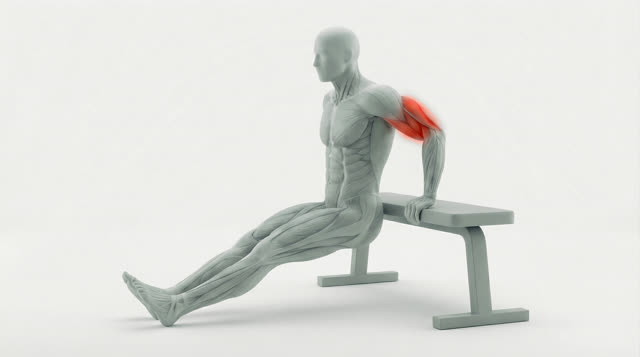
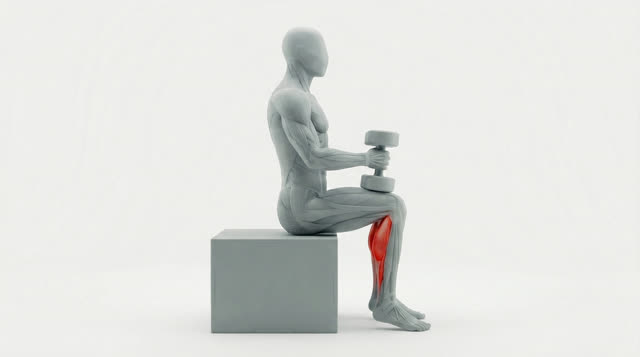
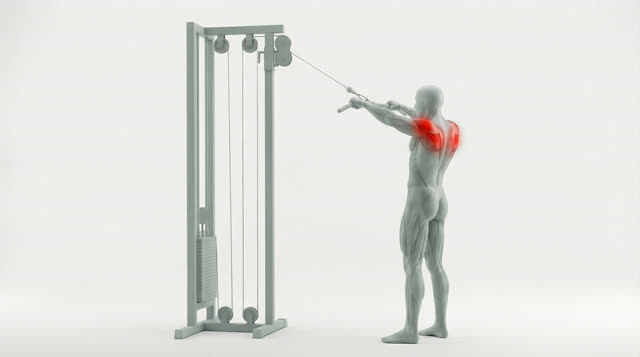
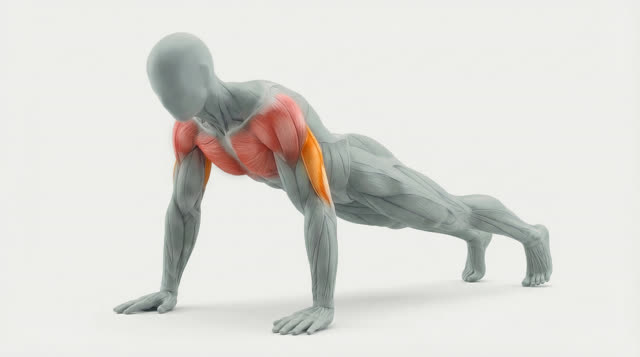
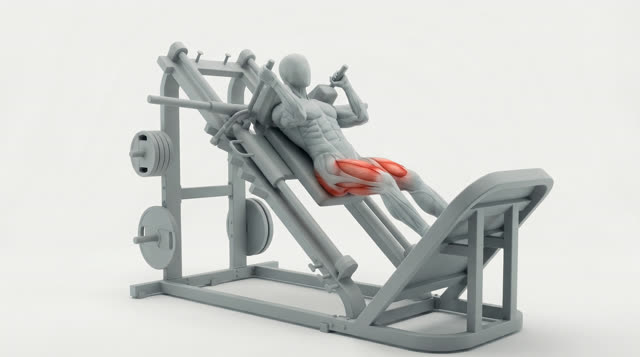
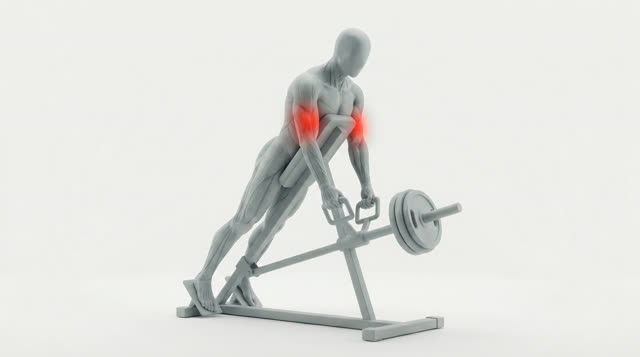
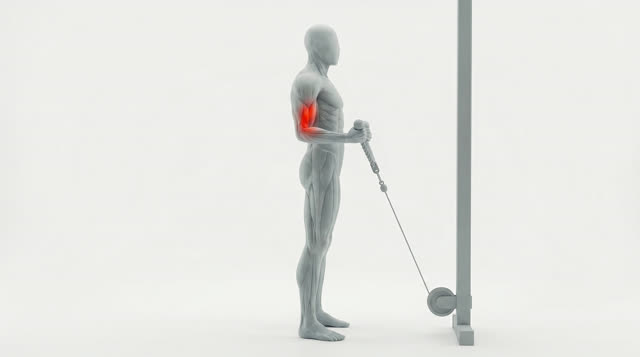
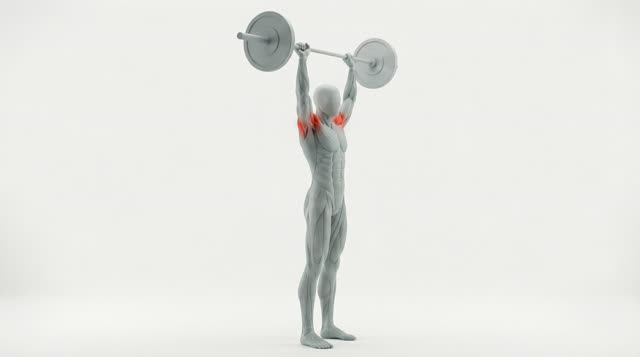
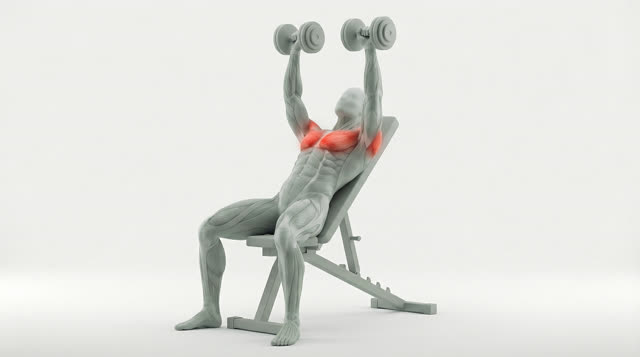
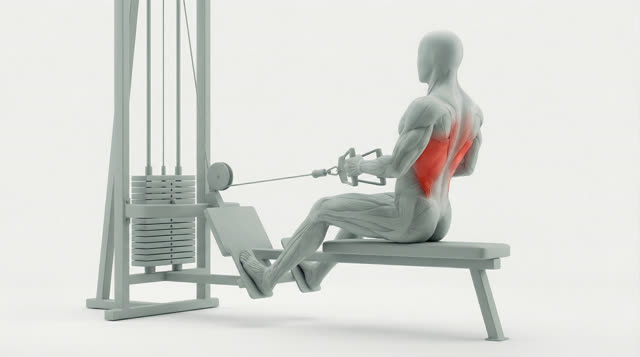
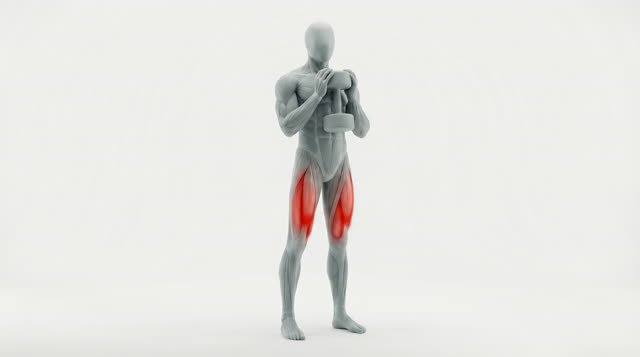
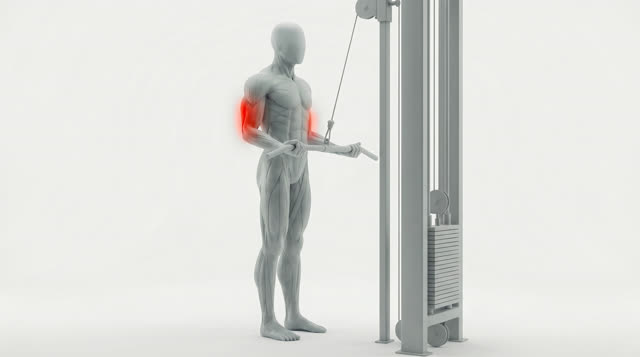
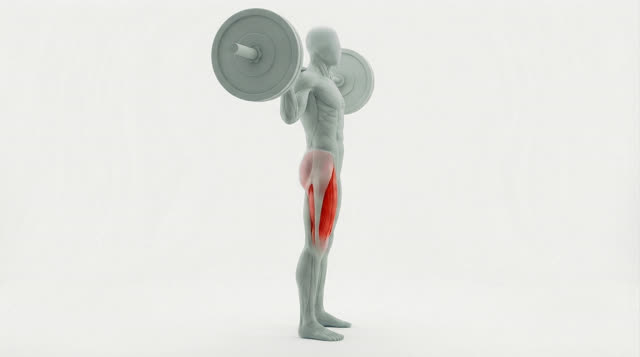
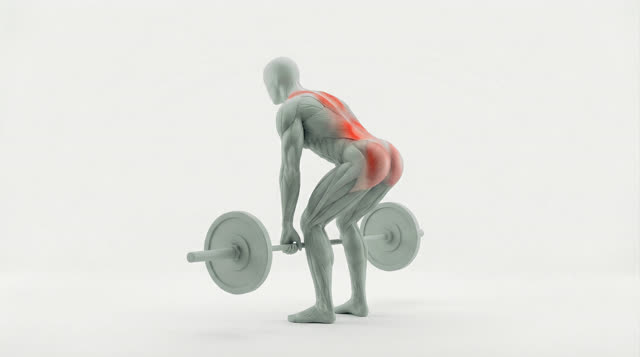
The most-used moves, each with a premium 3D animation that lights up exactly which muscles do the work — plus step-by-step how-to, common mistakes and benefits.
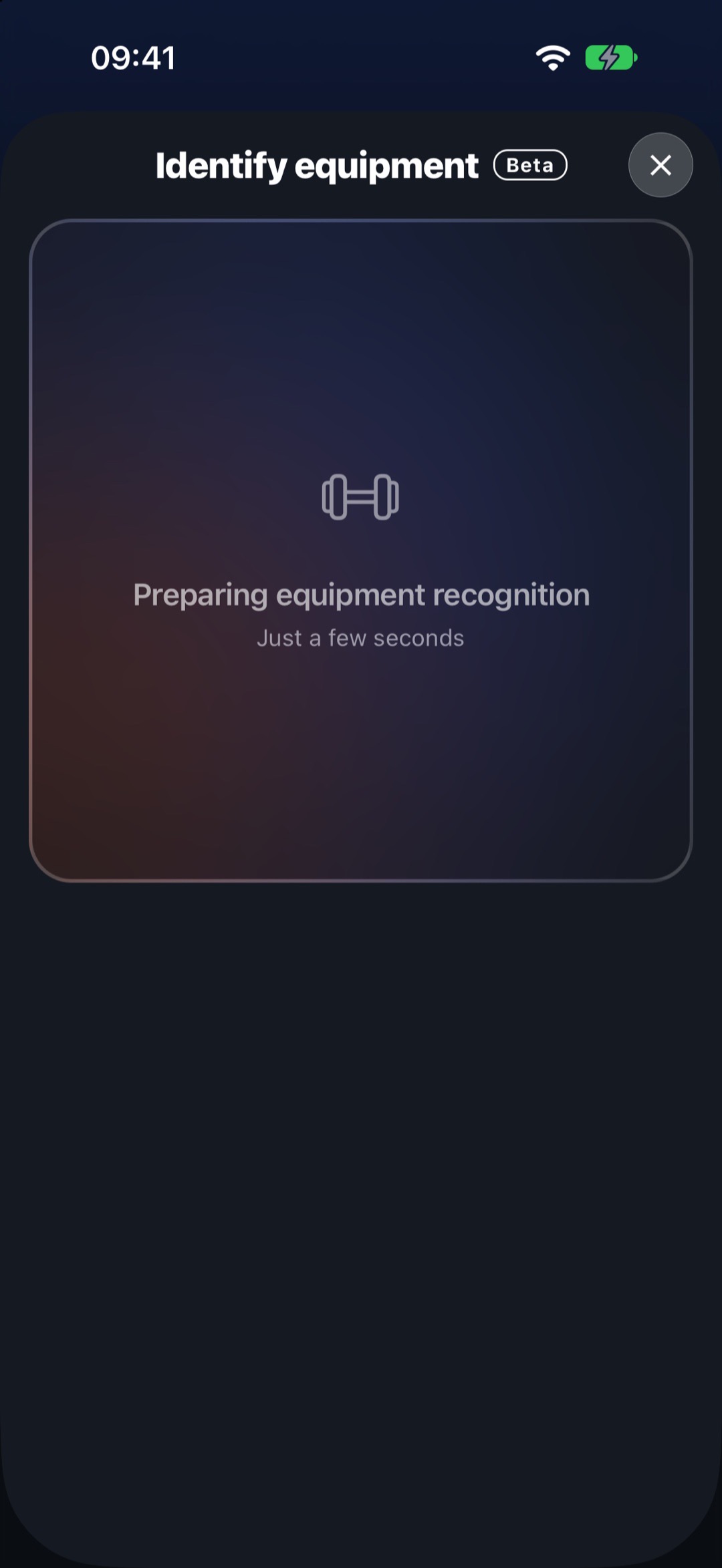
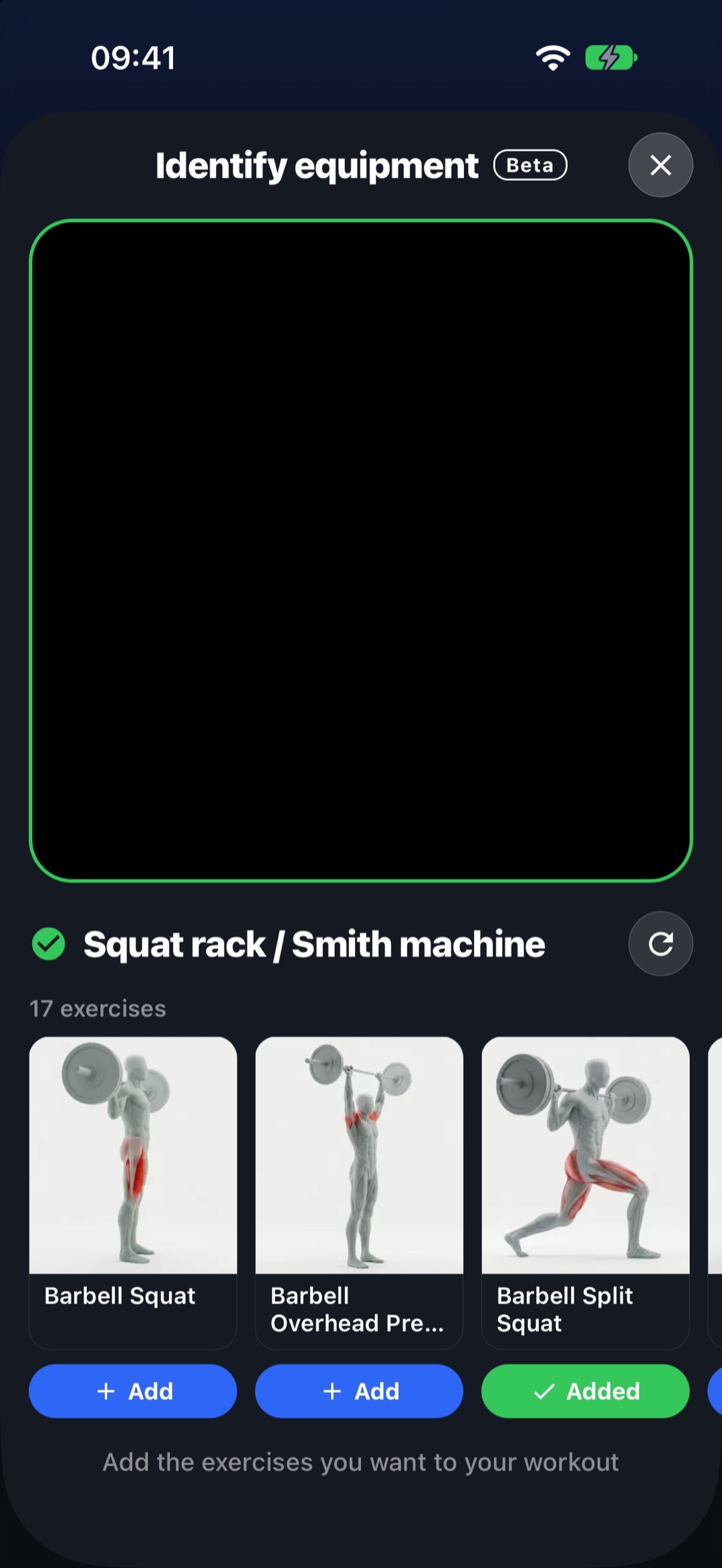
Equipment recognition Beta
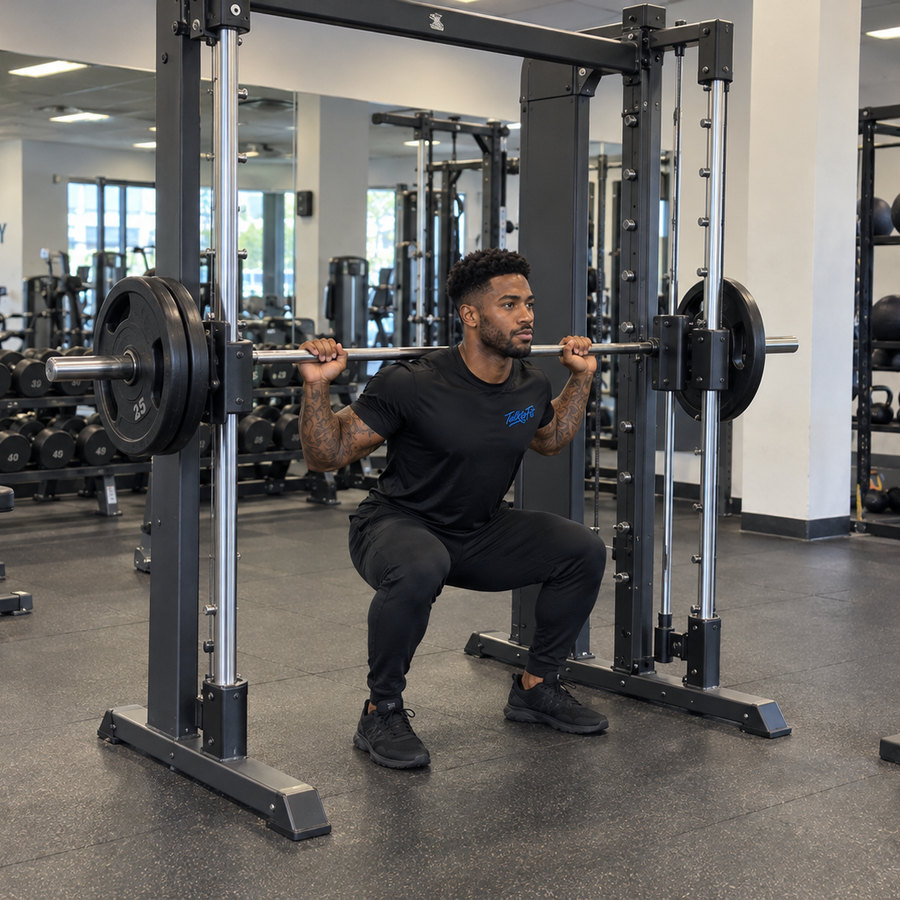
Not sure what a machine is called — or what to do on it? Point your camera. TalktoFit recognizes the equipment right on your iPhone and shows the exercises you can do with it, ready to add to your workout.
Five coaching styles · switch anytime



9
languages.
Same coach, same attitude — in the language you train in.
Leo · Clear & direct
 Maya · Warm & supportive
 Sofia · Analytical
 Max · Motivating & fun
 Noah · Polite & formal
Leo · in 9 languages
Build programs, plan sessions — just ask
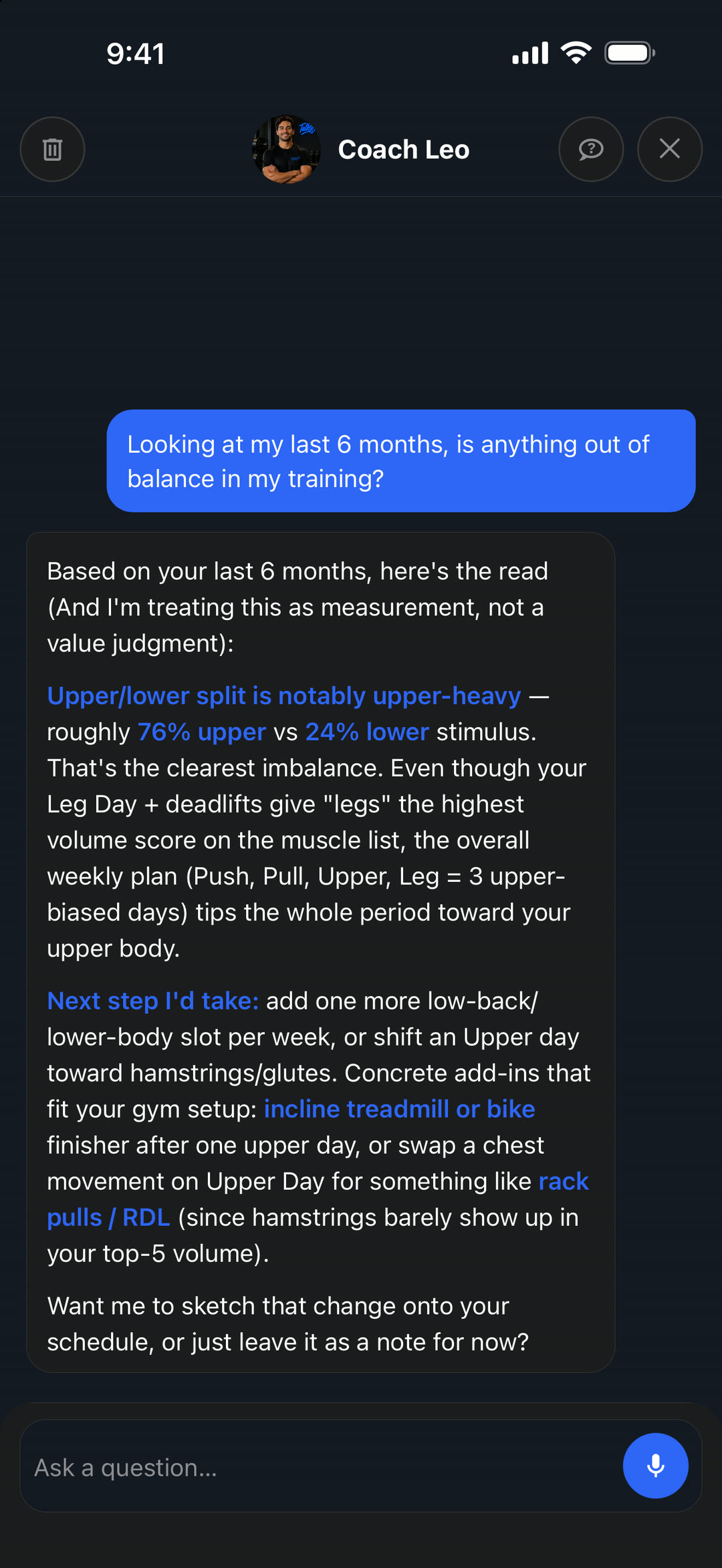
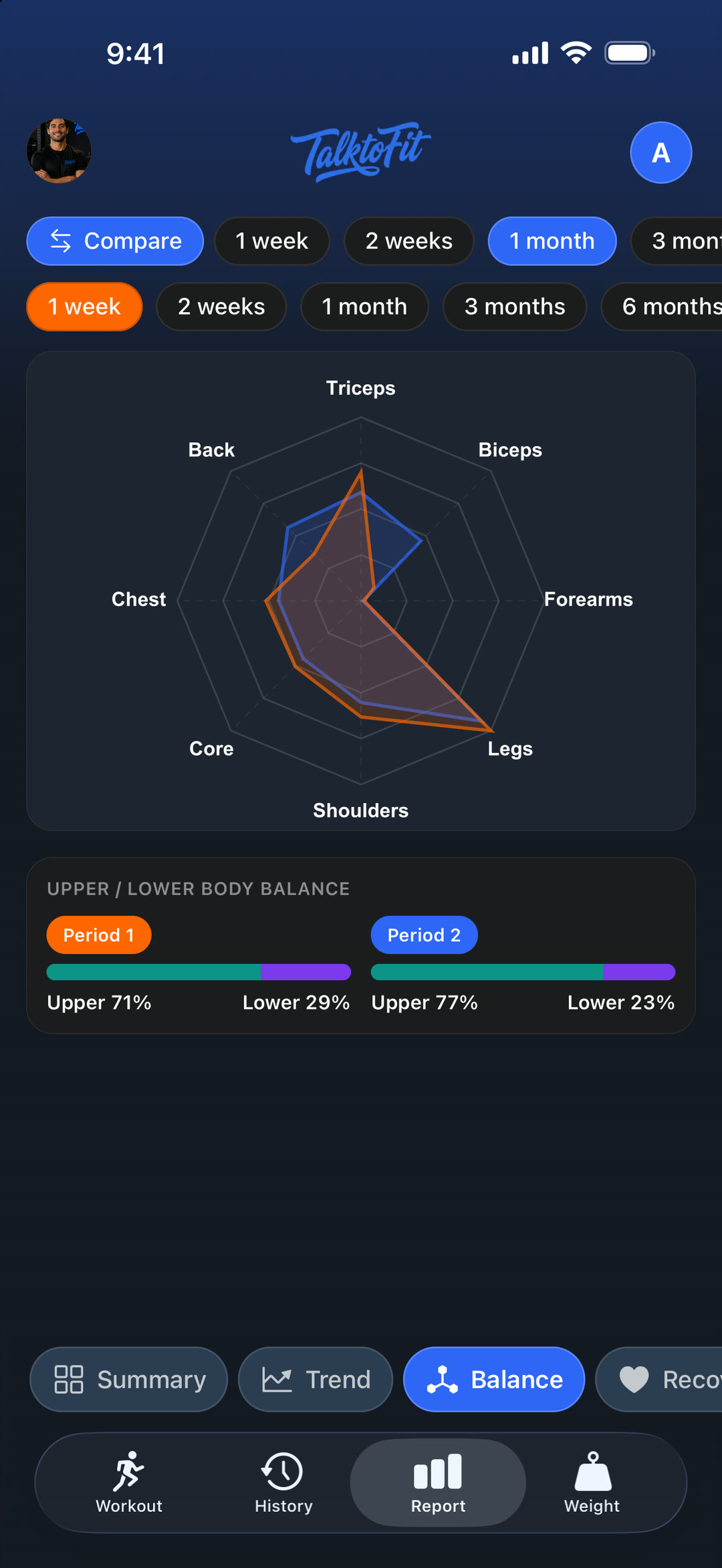
Ask “Looking at my last 6 months, is anything out of balance?” and get an answer built on what you actually lifted — not a generic template.
 Leo answers
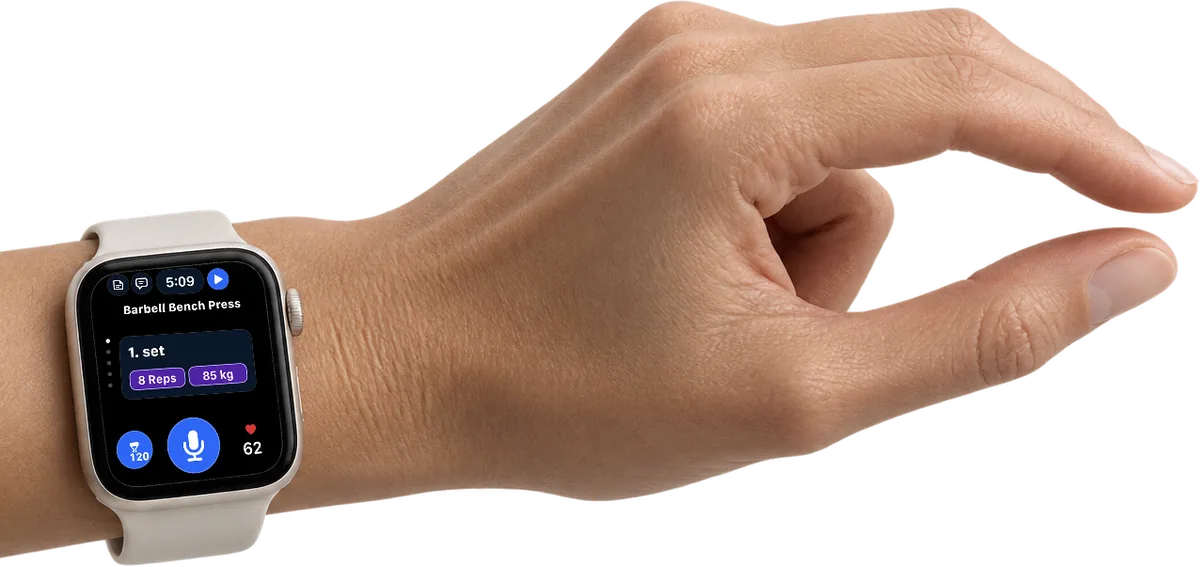
Apple Watch, fully synced
Keep your phone in your bag. Everything you need mid-set is on your wrist, synced with your iPhone.
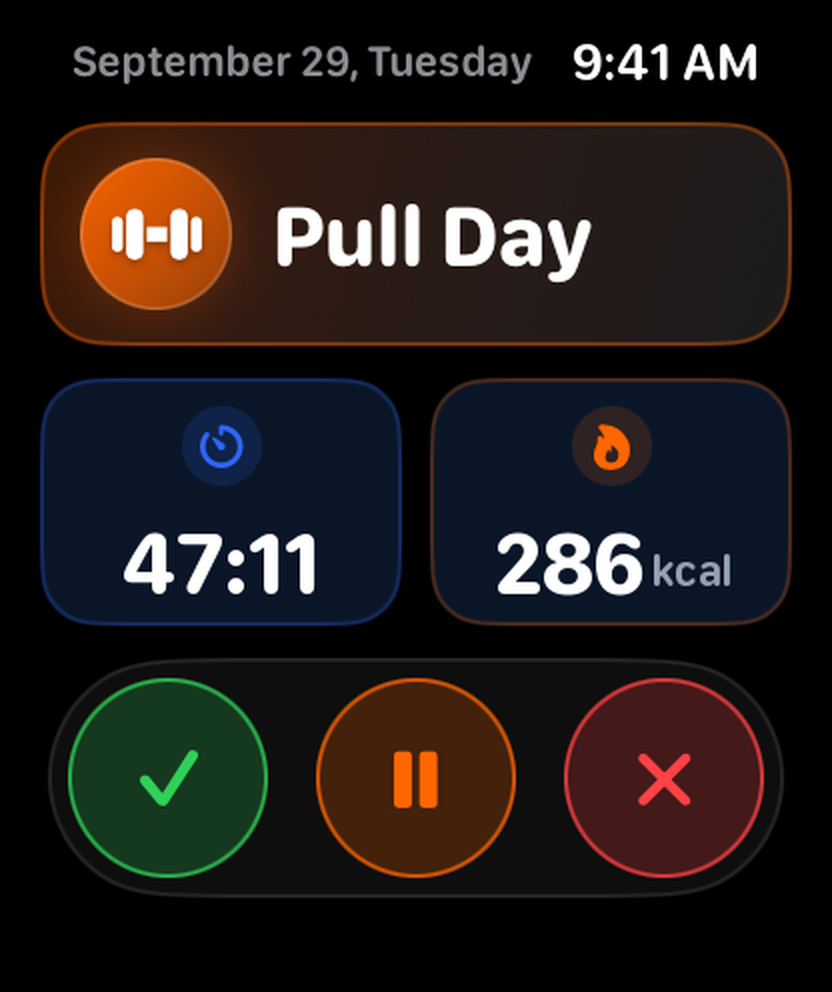
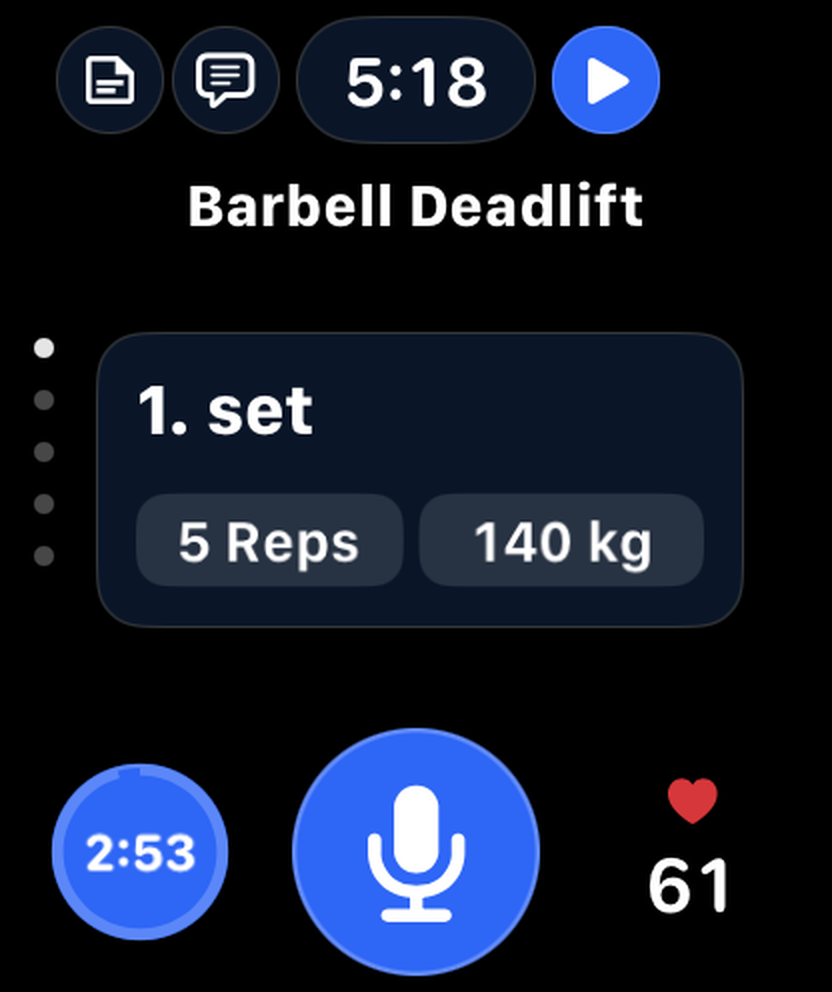
Sets, reps, weight and heart rate at a glance.
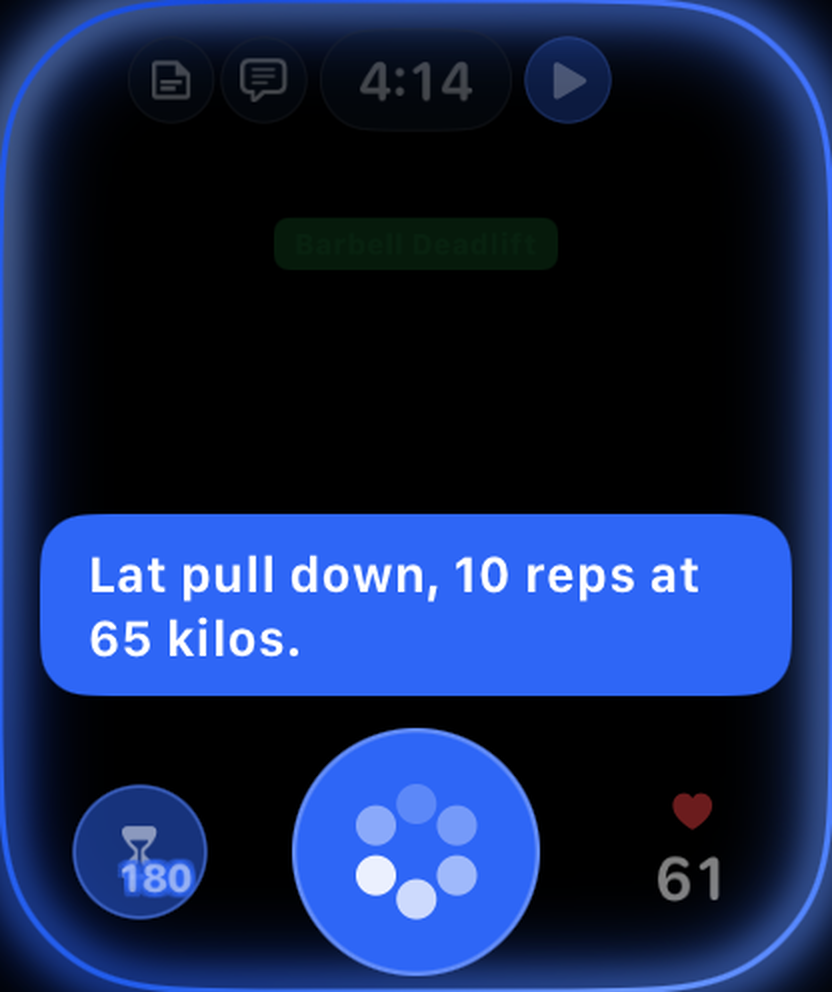
Tap the mic and say the set. It’s logged in seconds.
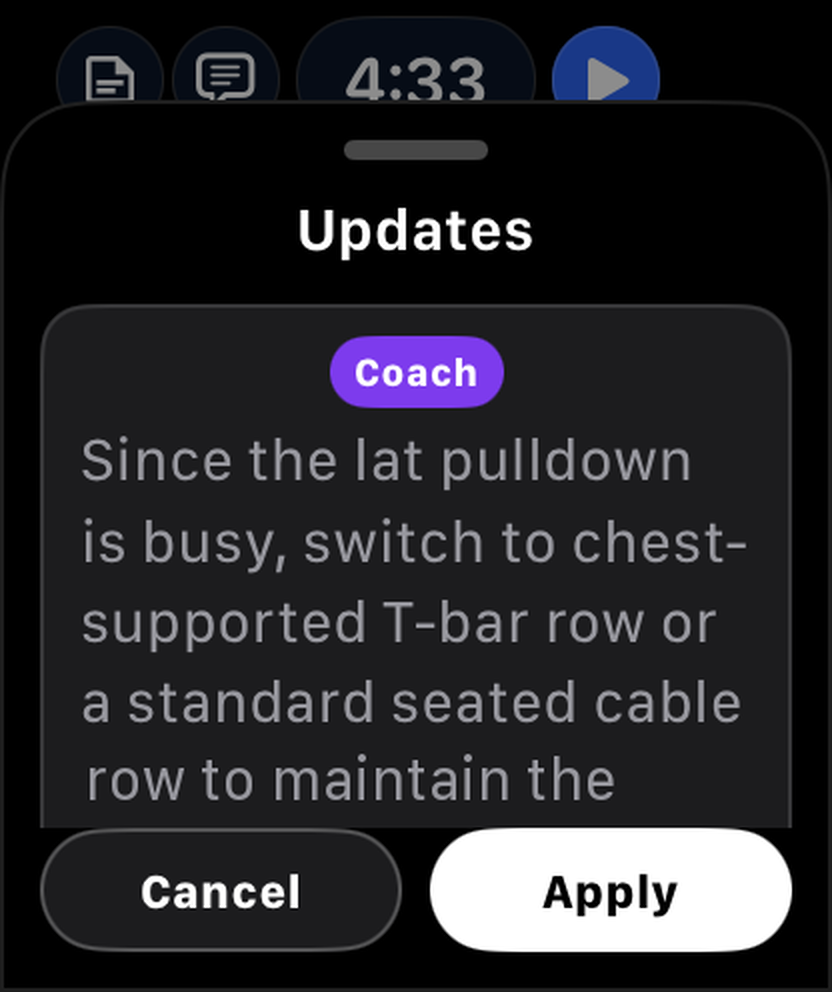
Your coach’s suggestions arrive mid-workout — apply them with a tap.
Tap your index finger and thumb together twice: the set is done and your rest starts. No need to touch the screen.
A countdown that keeps rest honest, with your heart rate on the same screen.
Finish, pause or cancel your workout in one tap.
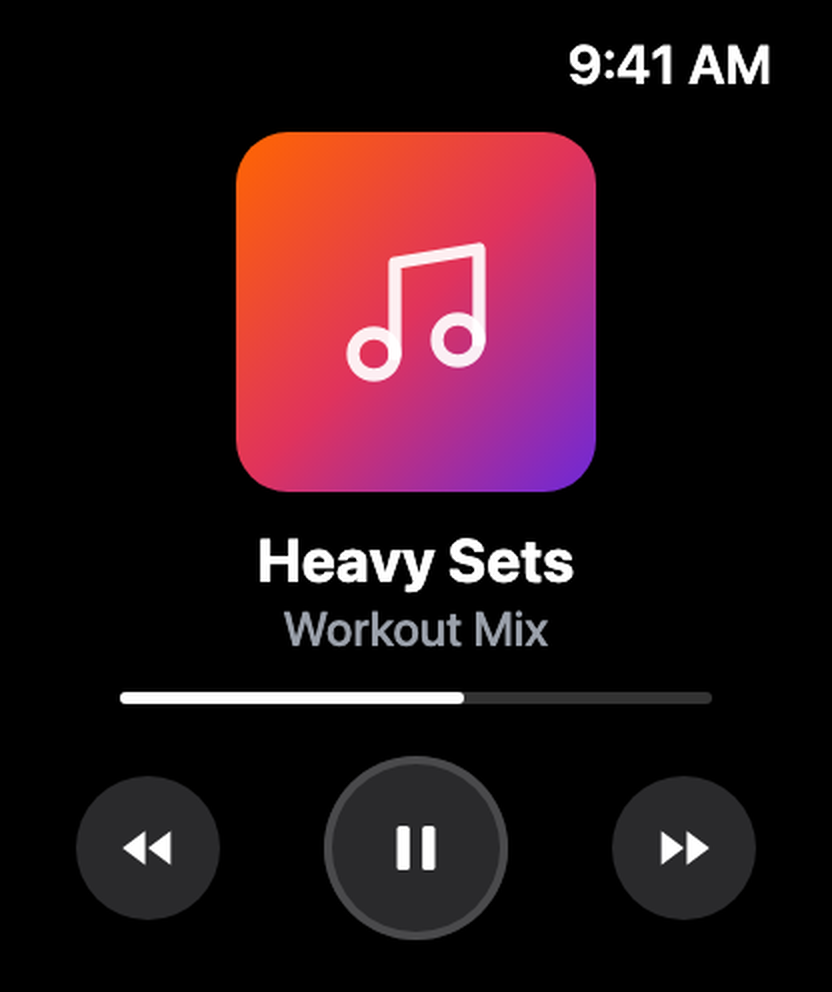
Play, pause and skip whatever’s playing without leaving your workout.

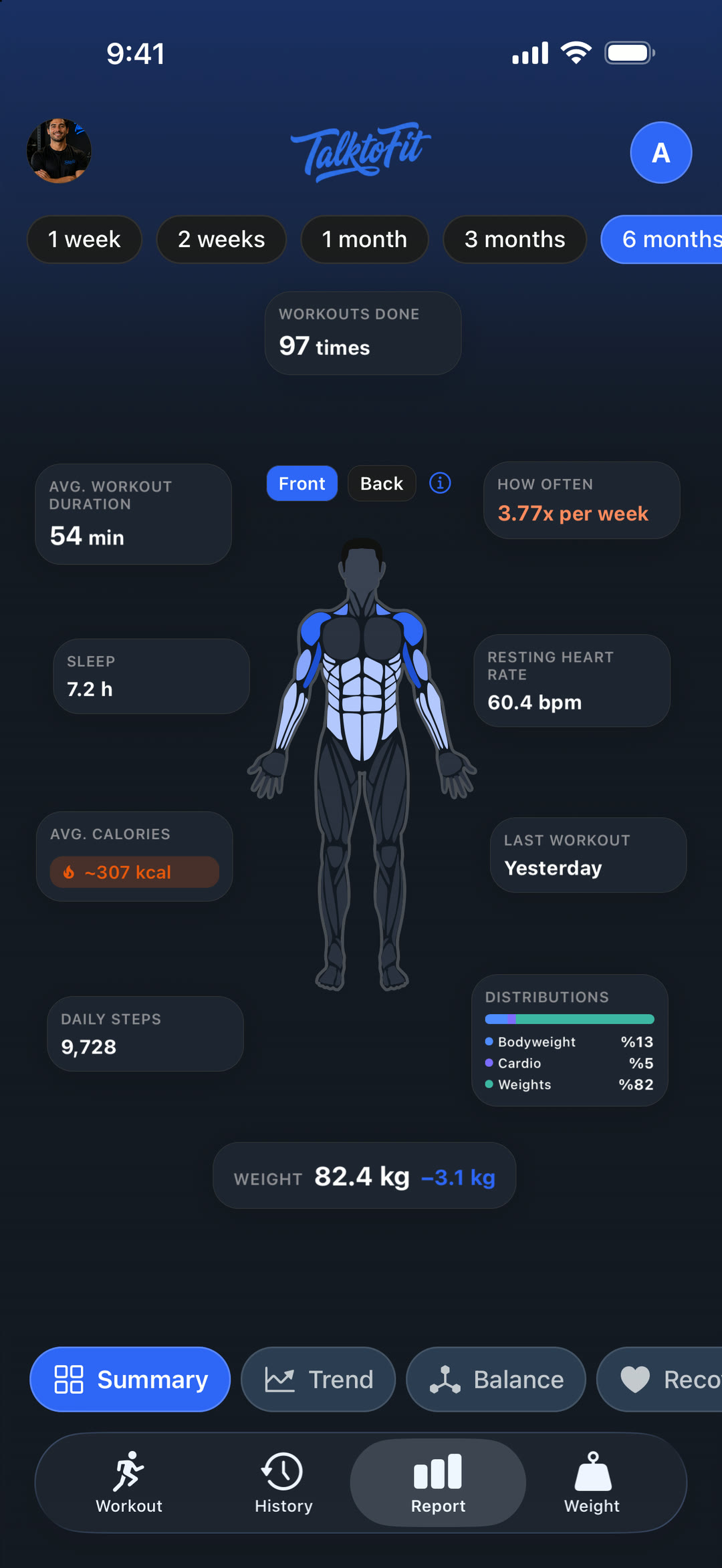
No spreadsheets, no guesswork
Any period at a glance — every muscle you trained, mapped onto your body, with time, frequency and calories.
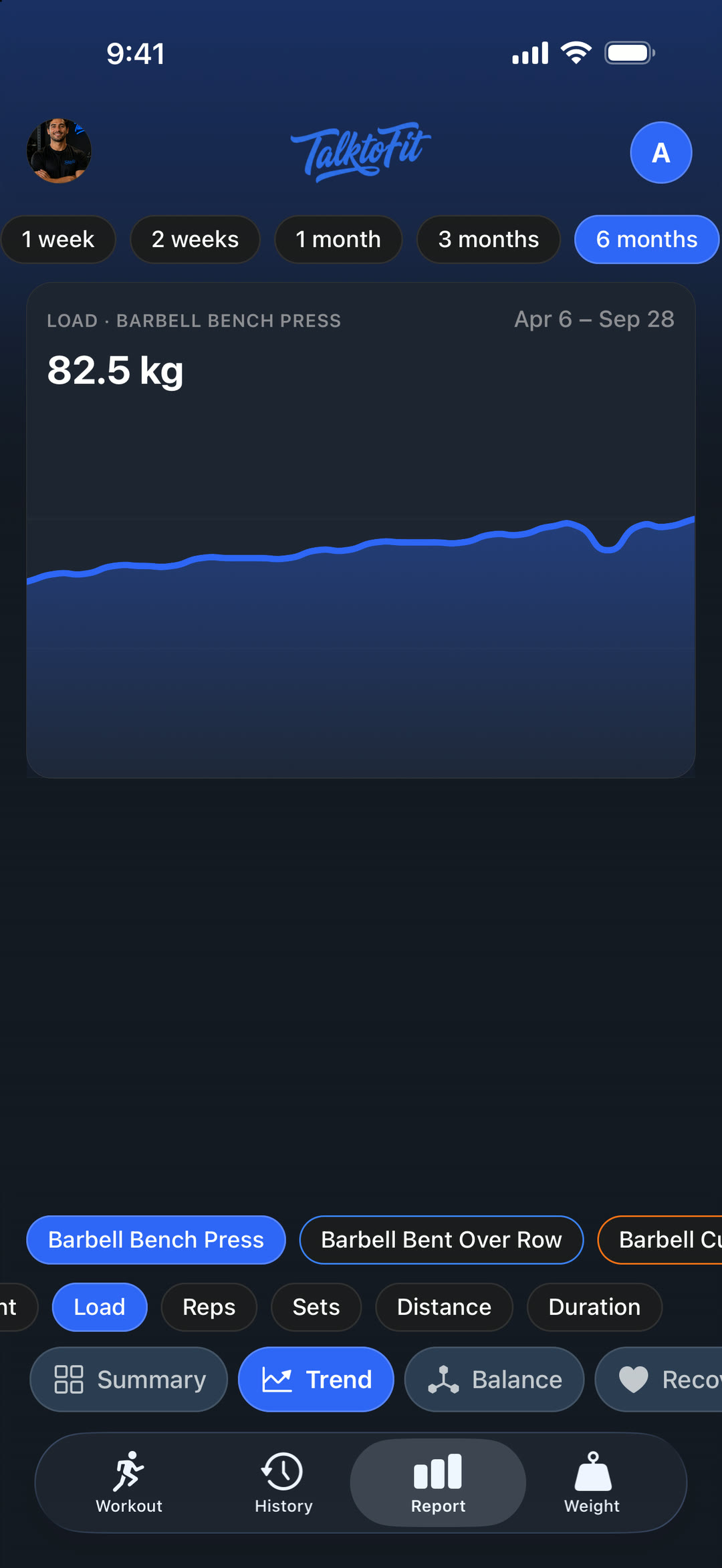
Every lift over time.
Spot the weak spots.
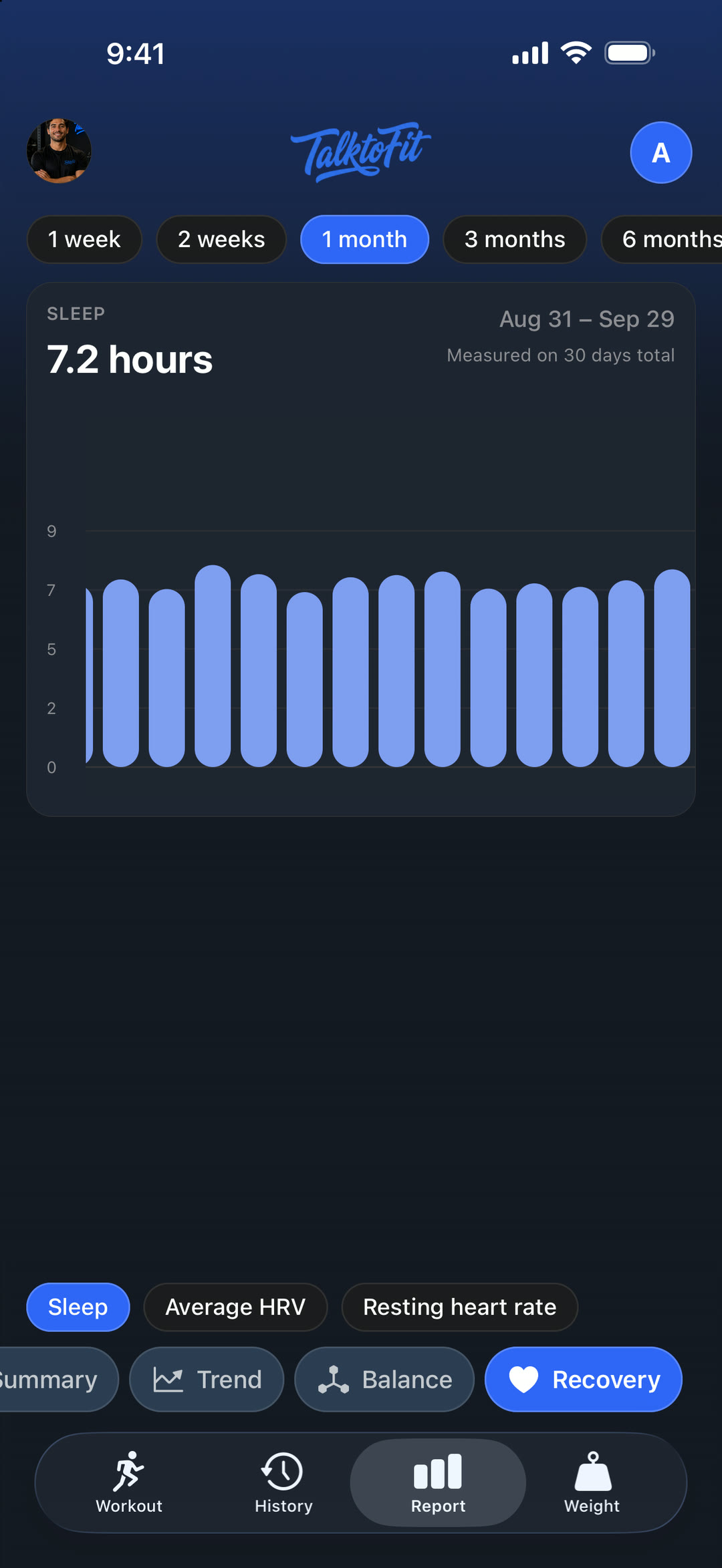
Sleep, HRV and resting heart rate from Apple Health, compared with the previous period — and your coach checks them against your own baseline to know when to push and when to pull back.
FAQ
TalktoFit is a workout app for iPhone and Apple Watch. You log sets by talking, an AI coach helps between sets, and 400+ exercises come with 3D demos that highlight the muscles worked. Reports show your trends, muscle balance and recovery.
Just say what you did — for example, “Just did deadlift, 3 sets of 5 at 140.” TalktoFit adds the exercise, sets, reps and weight to your workout. You can fix or remove things the same way, and one sentence can make several changes.
No. Speech is transcribed on your iPhone by a Whisper model running on Apple’s Core AI. Only the text of your command is sent to our servers to log your workout — your recordings are never uploaded.
Yes, with your iPhone nearby. On Apple Watch you can log sets by voice, see sets, reps, weight and heart rate, use the rest timer, get your coach’s suggestions, control music and finish or pause your workout — all synced with your iPhone.
Nine: English, Turkish, German, Spanish, French, Italian, Portuguese, Japanese and Korean. You can talk to log and chat with your coach in any of them.
Optionally. With your permission, TalktoFit can read data like sleep, HRV and resting heart rate for recovery reports and coaching, and save your workouts to Apple Health. Sharing is off until you turn it on.
TalktoFit is free to download on the App Store. Workouts, voice logging, the AI coach and the Apple Watch app need a TalktoFit Pro subscription. New subscribers may be eligible for a free trial.
reduce your friction
For iPhone (iOS 27 or later) and Apple Watch (watchOS 26 or later).